
Students can join virtual tutoring sessions in Littera from their Dashboard.
Join a session
- Sign in.
- The next upcoming session appears on the left.
- Orange sessions are Remote
- Gray sessions are In-Person
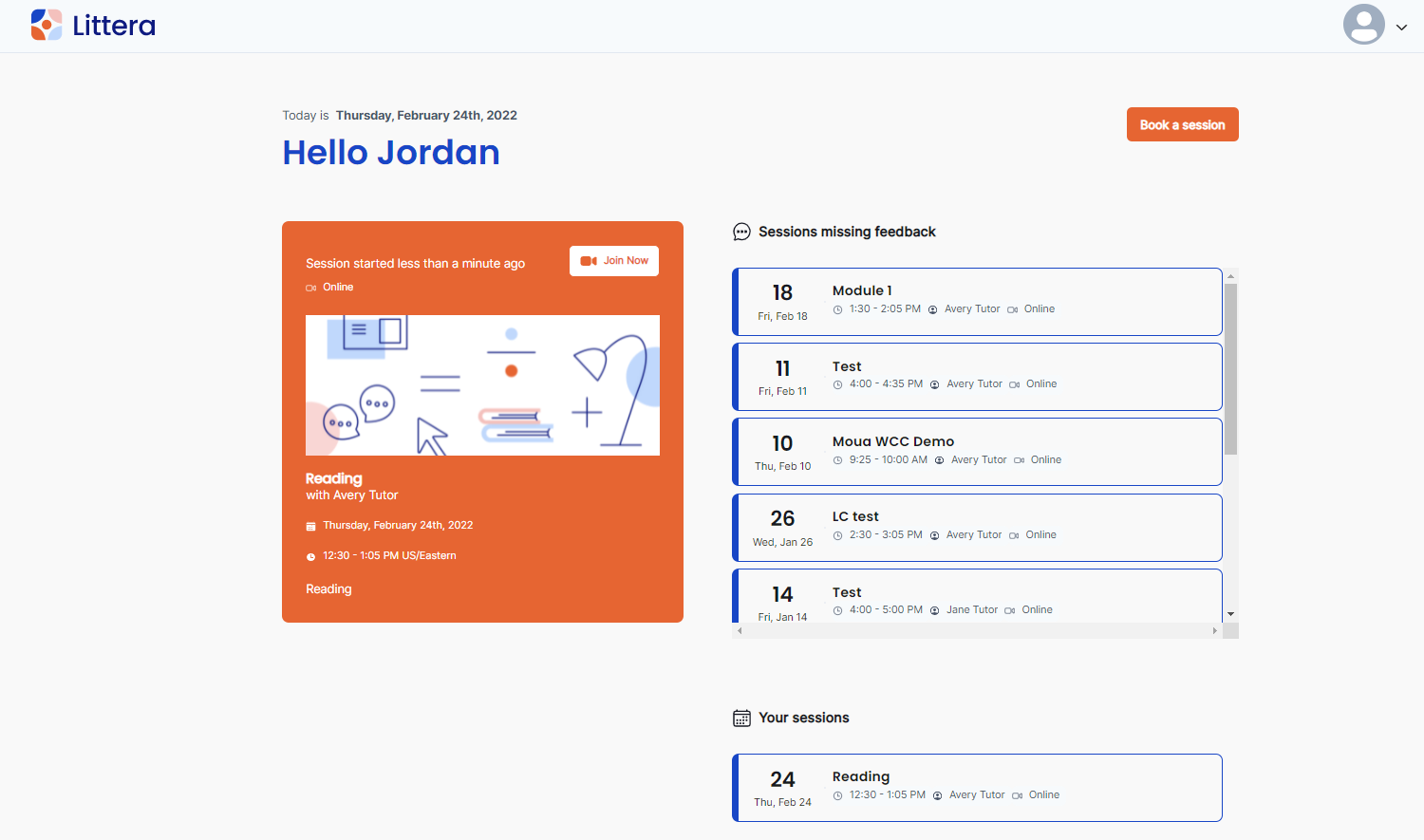
- Click Join Now.
- A solo virtual waiting room opens until the tutor starts the session.
- The system asks to test your camera and microphone. Allow a few moments for the software to run through your hardware and software to make sure you won’t have any technical issues.
- Ensure the site has access to your Camera and Microphone. Steps may vary depending on your browser.
- After tests complete, click Enter Class.
- You’re now in the virtual tutoring environment.
Leave a session
- To leave the session, click Leave Class in the top right.
- You’ll be asked to submit feedback on the session.
Comments
0 comments
Please sign in to leave a comment.